
Echo Studio
Puzzle · Browser
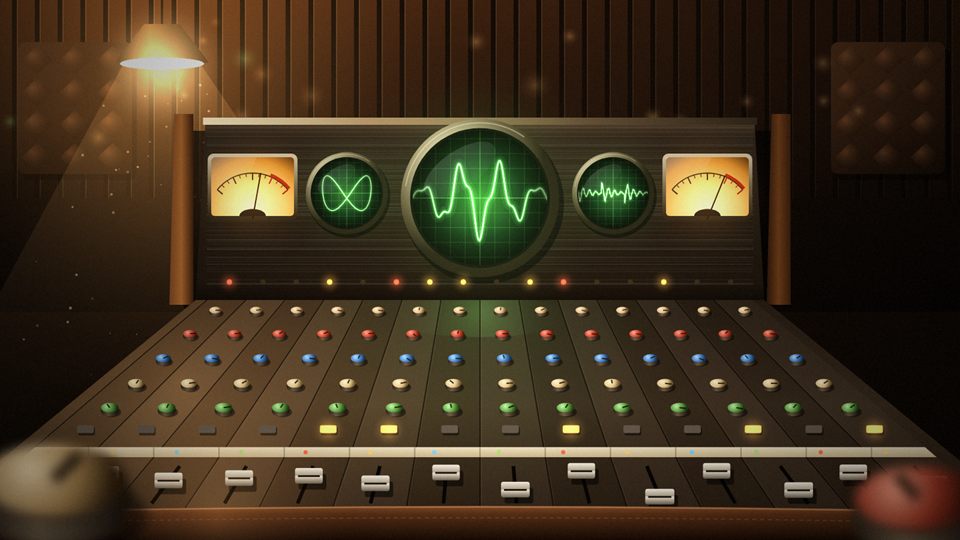
Set volume, pan and tone on a vintage mixing desk until your mix prints like the target. 50 levels, fully playable with the sound off.
How to play
- The monitor prints the target mix: one unlabelled ring per track on the stereo field (pan across, volume up) and dashed outlines on the spectrum.
- Move each track's fader, pan and tone with + and − or by dragging. Your numbered dots and green bars move with them; marks above the bars say on, too much or too little.
- Each track feeds the bands shown in its footprint; turning tone down cuts its highest bands first. Use the spectrum to tell which ring belongs to which track.
- Press Check mix when everything lines up. Checks are limited. Sound is optional: Listen and the A/B switch play the target and your mix, and the game is fully playable with the sound off.
- Keyboard
- Tab or [ and ] pick a control, digits pick a track, arrow keys or + and − change it, A switches between your mix and the target, Space plays or stops the loop, Enter checks the mix. P or Escape pauses.
- Touch
- Tap + and − on a channel strip, or drag a fader or knob. Tap a dot on the stereo field to pick its track. Scroll the strips sideways on narrow screens.
About this game
Every level plays a short original loop on a vintage mixing desk and prints a target mix on the monitor: unlabelled rings on a stereo field and outlines on an 8-band spectrum. Move faders, pan and tone knobs until your mix lands on every ring and fills every outline, then press Check mix. Listen to the target and to your mix with the A/B switch, or play with the sound off: every cue is on the displays. Levels grow from two tracks to dense mixes of eight, adding panning, tone filters, look-alike tracks and exact steps.
Platforms
Browser