
Keyframe Theater
Puzzle · Browser
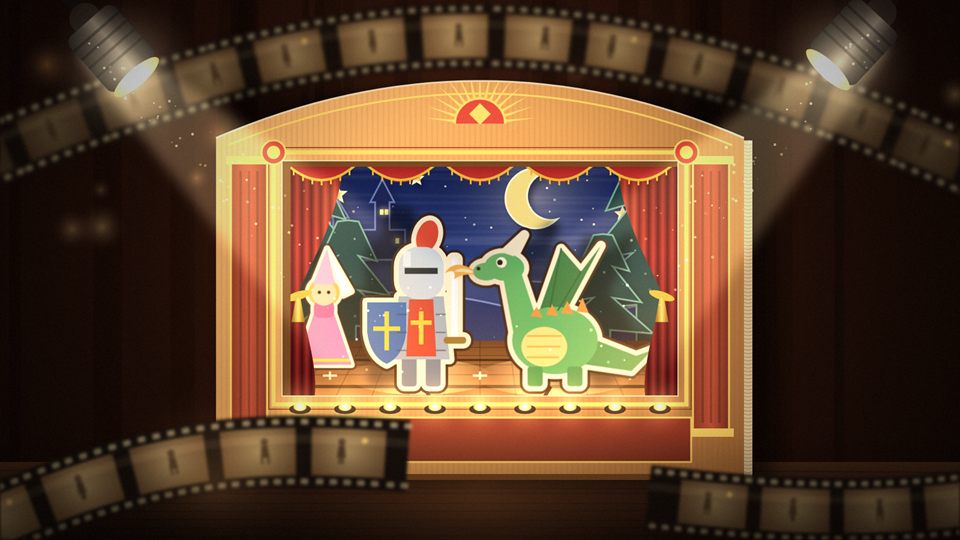
Set keyframes on a timeline so cardboard puppets, props, spotlights and backdrops hit every cue of the script. 50 little plays, each proven playable.
How to play
- Read the cue sheet: it says where puppets, props, the spotlight and the backdrop must be at given beats.
- Tap a cell on the timeline (a track at a beat), then tap a mark on the stage or a button to set a keyframe there. Between keys everything glides in a straight line, one mark per beat at most.
- Puppets meet side by side on next marks and may never share a mark; a prop “with” a puppet and the spotlight “on” a puppet stand on exactly the same spot.
- Press Play to perform. Each cue is marked ✓ or ✕ as the play runs; hit them all to win, and use as few keyframes as par for a better score. In the last plays keyframes are limited.
- Keyboard
- Arrow keys move on the timeline, 1–5 or A–E set a mark (1–3 pick a backdrop), Delete or Backspace removes a keyframe, Enter or Space plays or stops the performance. P or Escape pauses.
- Touch
- Tap a timeline cell, then tap a mark on the stage or one of the A–E buttons; Delete removes the keyframe and Play performs. Swipe the timeline sideways on narrow screens.
About this game
A cardboard toy theatre with five marks, A to E, and a timeline of beats. Every puppet, prop, spotlight and backdrop has its own track: set keyframes and they glide in a straight line between them, one mark per beat at most. The cue sheet lists what the play needs, such as the knight on C at beat 4, the dragon meeting the knight, the spotlight on whoever speaks or night falling before the owl arrives. Press Play to perform and every cue is marked as met or missed. The plays grow from one puppet to two that must meet without bumping, props that travel with them, lights and scenery, and finally overlapping cue windows with a limited number of keyframes.
Platforms
Browser